Where to find the app — and where not to look
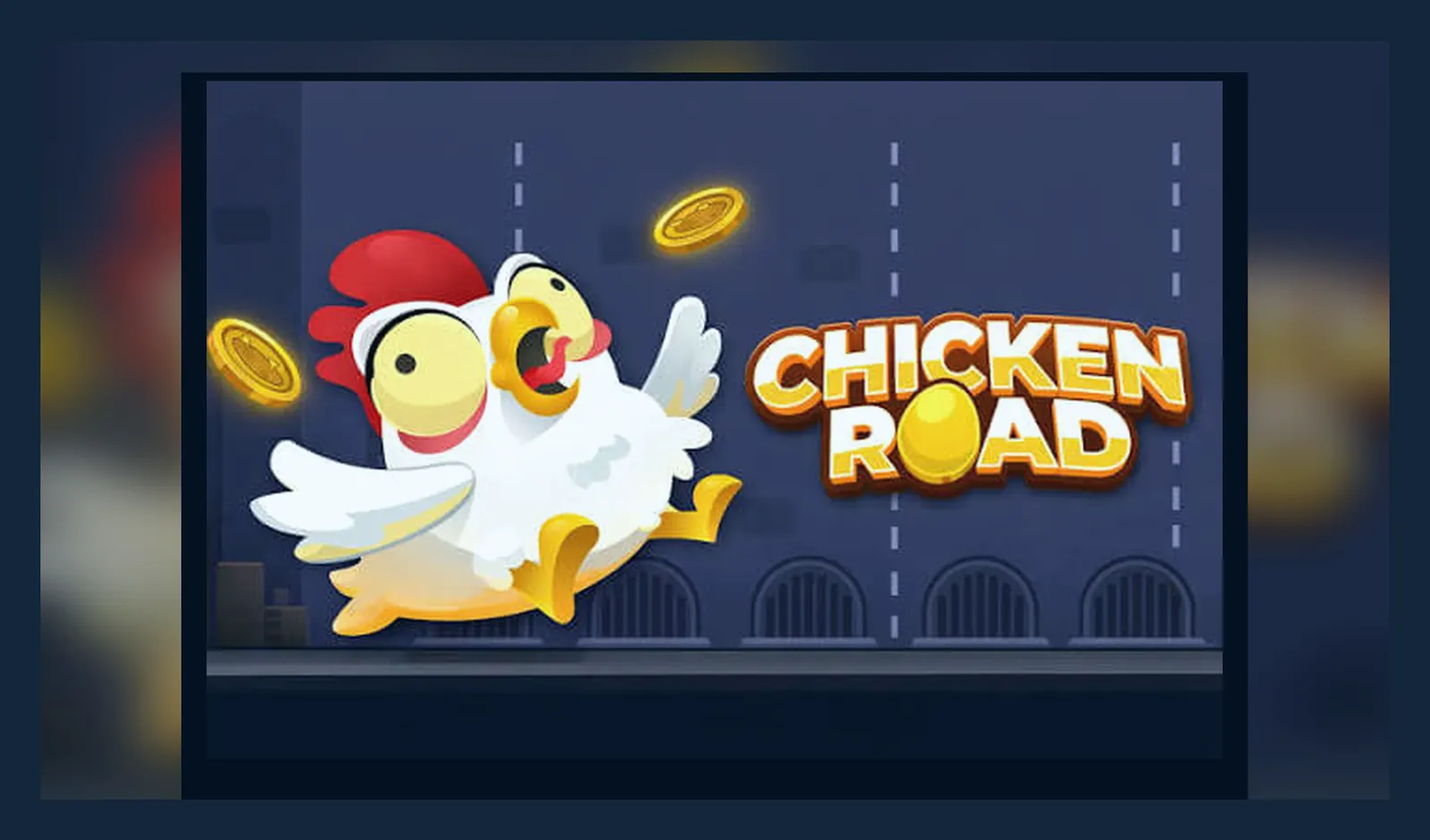
Crash games aren't distributed as individual downloads — they're embedded in the casino platform itself, accessed either through the site on your mobile browser or via the operator's native app. That means searching the App Store or Play Store for a standalone «Chicken Road 2» entry will come up empty. If you do stumble across an APK with that name, treat it as a red flag: it's almost always fraudulent.
That matters here in the UK because every legitimate route to the game runs through a UKGC-licensed operator. The licence number sits in the footer, the stake caps apply (£5 per round for most players, £2 if you're 18–24), and GAMSTOP blocks access if you've self-excluded. An unlicensed clone outside that framework skips those safeguards entirely — and puts your money and data at risk.
What you'd see in a store listing — if one existed
Crash games don't usually get standalone store entries, but casino operators do release their own apps. If Chicken Road 2 were packaged alone, the card would look something like this — useful for spotting fakes that copy the format but get the details wrong.
Real operator apps show the UKGC licence in the store description and link to GAMSTOP. Clones often skip that part or invent a licence number. Cross-check the number in the UKGC public register before you install anything.
Four ways to get the game on your phone — and what each one costs you
Every legitimate path starts with choosing a licensed operator. The game itself is the same across all of them; what changes is the welcome offer, the withdrawal speed, and how the app or site handles on your device. Here's the full map.
- Browser play (no install): Open the operator's site in Safari or Chrome, log in, search for Chicken Road 2, tap to launch. The game loads in HTML5, full-screen if you rotate the device. No storage used, no permissions asked. Trade-off: you lose your place if the browser refreshes, and some operators show a cookie banner every session until you accept.
- Add to home screen (progressive web app): While on the game page in the browser, tap Share → Add to Home Screen (iOS) or the three-dot menu → Install app (Android). The site icon appears on your home screen like a native app. It opens in a standalone window without the browser chrome. Trade-off: still browser-based under the hood, so if the site's mobile layout is clunky, the PWA won't fix it.
- Operator's branded app (App Store or Play Store): Download the casino's own app — names like «32Red Casino», «Betfair», «Grosvenor» — then find Chicken Road 2 in the games lobby. The operator's app usually has smoother navigation, push notifications for bonuses, and biometric login. Trade-off: you hand over notification permissions, location (for geofencing checks), and sometimes camera access for document uploads during KYC. The app itself is 60–120 MB, larger than the PWA route.
- APK from a third-party site (high risk, not recommended): Someone offers a .apk file outside the Play Store, claiming it's the «official» or «modded» version. You enable «Install unknown apps», download, and side-load it. Trade-off: no UKGC oversight, no stake caps, and a genuine chance the APK contains malware or a phishing wrapper that harvests your card details. If you deposit through it, the money goes to an unlicensed entity with no legal route for dispute. Google and Apple both allow real-money gambling apps from licensed operators in the UK — there's no legitimate reason to go outside the stores.
Screen tour: what the mobile layout actually shows
The game scales to portrait or landscape. Most players prefer landscape for the full grid, but portrait works if you're commuting. Here's what you'll see across three key screens.
- Launch screen: The 5×6 grid fills the top two-thirds, each tile face-down. Your stake selector sits below — tap to open a slider or preset buttons (£1.00, £2.00, £5.00). The multiplier counter starts at 1.00× in the top corner. A hamburger menu (three lines) in the top-left opens settings: sound, animation speed, and autoplay rules. The colour scheme is usually bright — yellows, greens, a cartoon chicken mascot — designed to feel lighter than Mines or Plinko.
- Mid-game screen: Once you've placed the stake and started tapping tiles, revealed chickens turn green and the multiplier climbs. The current win amount updates in real time next to the counter (e.g. «£12.50 at 2.50×»). A prominent «Collect» or «Cash Out» button glows below the grid. If you hit a fox, the tile flashes red, the round ends, and a summary panel slides up showing your final result and the safe path the RNG had generated. On narrow screens the grid can feel cramped; tiles are roughly 15 mm square on a 6-inch display.
- History and stats panel: Swipe up from the bottom or tap a graph icon to see your last 20 rounds — stake, multiplier reached, win or loss. Some operators add a leaderboard or a live feed of other players' big multipliers, though those features sit outside the core game. This screen also holds the link to provably fair verification (the seed and hash for each round) if the operator supports it.
The interface doesn't change much between operators, but small differences matter: one site might auto-rotate the grid when you flip the phone, another might lock it to landscape and make you toggle manually in settings.
Version notes, requirements, and what's actually new
Most crash games update on the provider's side without bothering the player — the version number you see in an operator app usually refers to the casino platform, not the game itself. Still, recent changes worth knowing about:
- Version 2.1.4 (October 2026): Added a «quick stake» shortcut that remembers your last three bet sizes, so you don't have to drag the slider every round. Fixed a layout bug on iPhone 16 Pro Max where the grid overlapped the notch in landscape. Improved animation frame rate on older Android devices (8.0 and 8.1) — the chicken reveal is smoother now.
- Version 2.1.0 (August 2026): Introduced an optional autoplay mode: set a target multiplier and the game collects automatically when you reach it, or stops after a set number of rounds. Not every operator enables this feature because of responsible gambling concerns, so availability varies.
- Version 2.0.5 (June 2026): Rewrote the RNG seed display for provably fair verification — now shows the server seed hash before you start, with a cleaner layout for checking afterwards. Also added haptic feedback on iOS when you reveal a tile (a subtle tap vibration).
Phone requirements: iOS 13 or later, Android 8.0 (Oreo) or later. The game runs in WebGL or Canvas depending on the browser, so you need a device that handles hardware-accelerated graphics — anything from the last five years should cope. Older budget phones (1 GB RAM, low-end chipsets) can stutter during the reveal animation, but the game itself still functions. Data usage is light: around 2–3 MB per hour of active play, plus whatever the operator's lobby and live chat consume in the background.
Spotting fakes: permissions, download sources, and the signs that don't add up
Unlicensed clones prey on players searching «Chicken Road 2 APK download» or «original game app». The fake usually looks passable at first glance — similar logo, a grid layout, even a deposit screen — but falls apart under scrutiny. Here's what to check before you install anything.
| Red flag | Why it matters | Legitimate equivalent | |
|---|---|---|---|
| App requests SMS or contacts permissions | No gambling game needs to read your messages or phone book; this is data harvesting. | Operator apps ask for camera (KYC documents), location (geofencing), notifications. That's it. | → |
| Download link from a forum or Telegram group | The real game lives on licensed operators' sites, not file-sharing platforms. | App Store, Play Store, or the operator's own site with a UKGC licence footer. | → |
| No mention of GAMSTOP or stake caps anywhere | UK law requires both. If the app skips them, it's not targeting the legal market. | Every legitimate interface shows affordability and self-exclusion tools, plus the £5 / £2 caps by age. | → |
| Deposit methods include credit cards or crypto only | Credit cards have been banned for UK gambling since 2020. Crypto-only is a red flag for unlicensed operation. | Debit cards, PayPal, Apple Pay, Open Banking, paysafecard — all in your own name. | → |
| App description promises 'higher RTP' or 'unlocked multipliers' | The RTP is set by the provider; no modded version can change it without breaking the RNG. | The RTP is the RTP. If an app claims otherwise, it's lying or running a different game entirely. | → |
One other tell: check the developer name in the store listing. Real operator apps show the licence holder's legal entity (e.g. «LeoVegas Gaming plc»). Fakes often use generic names like «Casino Games Studio» or list no company at all. Cross-reference the UKGC register — if the name doesn't appear, walk away.
FAQ
Can I play Chicken Road 2 offline once I've installed the app?
No — the game always needs a live connection to the operator's server because each round is settled in real time by the RNG. Even operator apps that download assets for faster loading still require an internet connection to start a round. Offline play would break the provably fair system and open the door to tampering.
Do I need to verify my identity before I can install the operator's app?
You can download and install the app without verification, but you'll hit an age-check wall when you try to register or deposit. UKGC rules require identity and address confirmation before real-money play. Expect to upload a photo ID and a recent utility bill or bank statement — first-time KYC usually takes 24–48 hours. Demo play (if offered) may be available after basic age verification, but full access waits for document approval.
Why is the game faster in the operator's app than in the mobile browser?
Native apps pre-load assets (graphics, sounds) and keep a persistent session, so there's no reload delay between rounds. Browser play has to fetch resources on demand, and some mobile browsers throttle background scripts to save battery. The gameplay itself — RNG, multipliers, timing — is identical; the difference is in how quickly the interface responds. If speed matters, the operator's app usually edges ahead.
What happens to my balance if I uninstall the app or switch devices?
Your balance lives on the operator's server, not on your device. Uninstall the app, clear the browser cache, switch from phone to tablet — your account and funds stay intact. Just log in again with your credentials. The only thing you lose is local session data (unsaved settings, auto-filled stake amounts). If you've self-excluded through GAMSTOP, that block follows your account across all devices and all UKGC-licensed operators for the duration you chose.